Alert rules
Thresholds per asset or group, AI anomaly and predictive alerts, maintenance windows that pause noise.

Kllyroo groups related alerts into situations, pages the right person on the right channel, and attaches a step-by-step guide to every incident. Approved runbooks can fix common problems safely.
Kllyroo raises alerts from thresholds, AI anomalies and predictions; correlates them into situations; routes them through on-call schedules and escalation policies to e-mail, SMS, WhatsApp, voice, Slack, Teams, webhooks, PagerDuty or Opsgenie; opens Jira, ServiceNow or ManageEngine tickets; and runs approved runbooks.
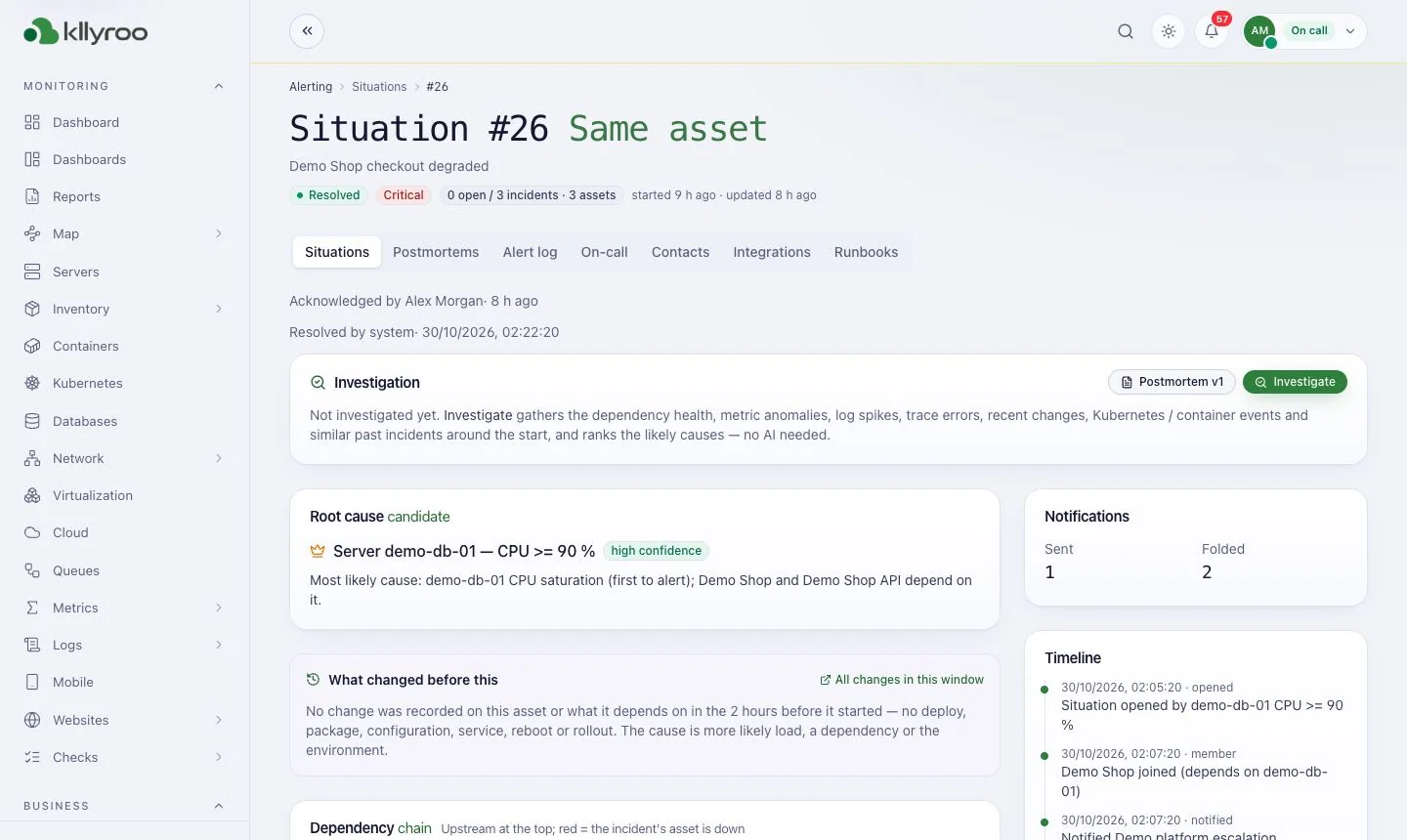
Thresholds per asset or group, AI anomaly and predictive alerts, maintenance windows that pause noise.
Correlation of related incidents into one situation to cut alert storms.
Schedules, escalation policies and one-click acknowledge links in e-mail, SMS, Slack and Teams.
E-mail, SMS, WhatsApp, voice, Slack, Microsoft Teams, webhooks, PagerDuty, Opsgenie and a mobile on-call app.
Approved fix procedures that run on approval or automatically on chosen alerts. Signed and audited.
Jira, ServiceNow and ManageEngine ServiceDesk Plus tickets; public status pages; scheduled SLA reports.
Real screenshots from the Kllyroo user guide (demo data). Click any image to enlarge.
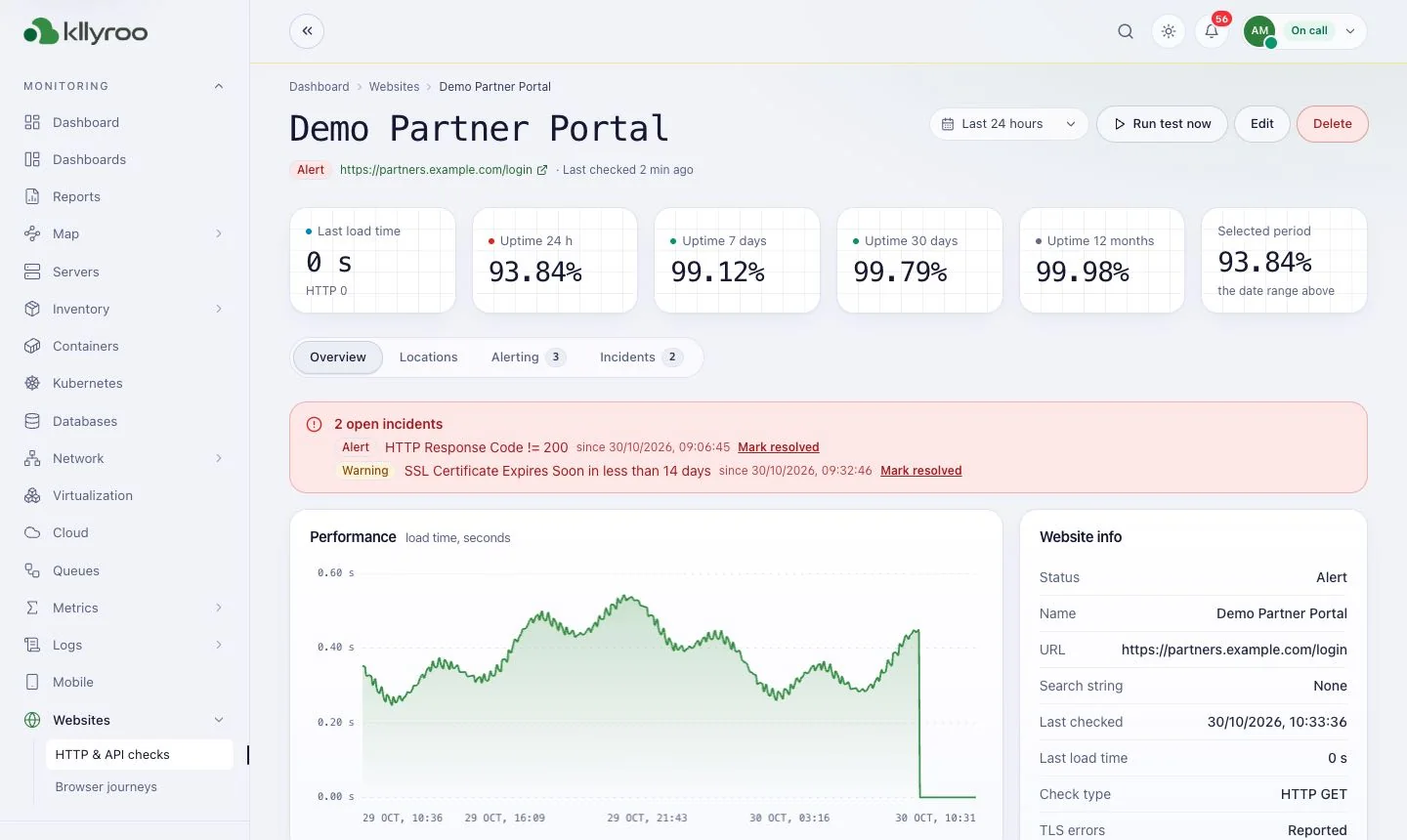
Uptime, performance and open incidents for a monitored website.
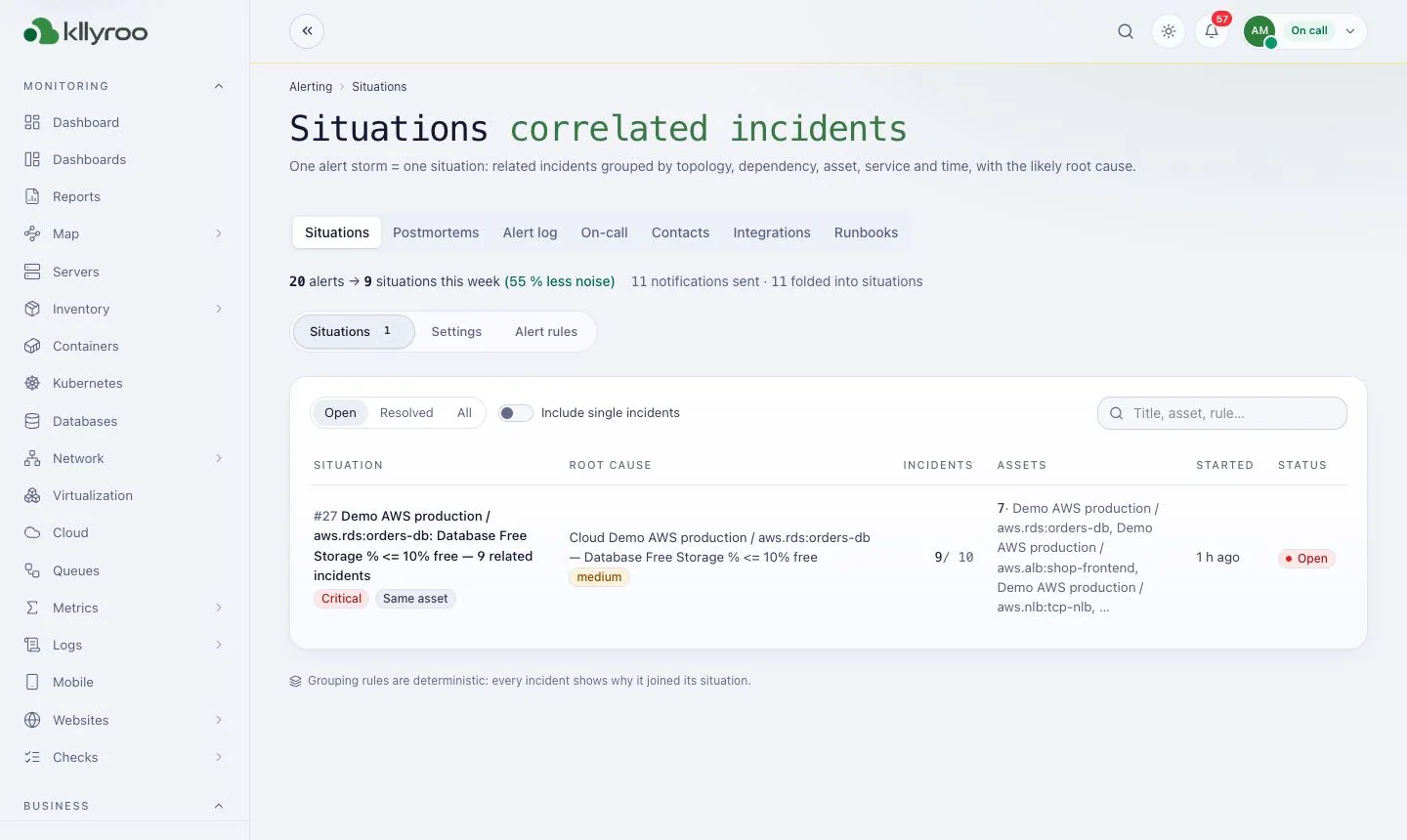
Correlated incidents from one alert storm.
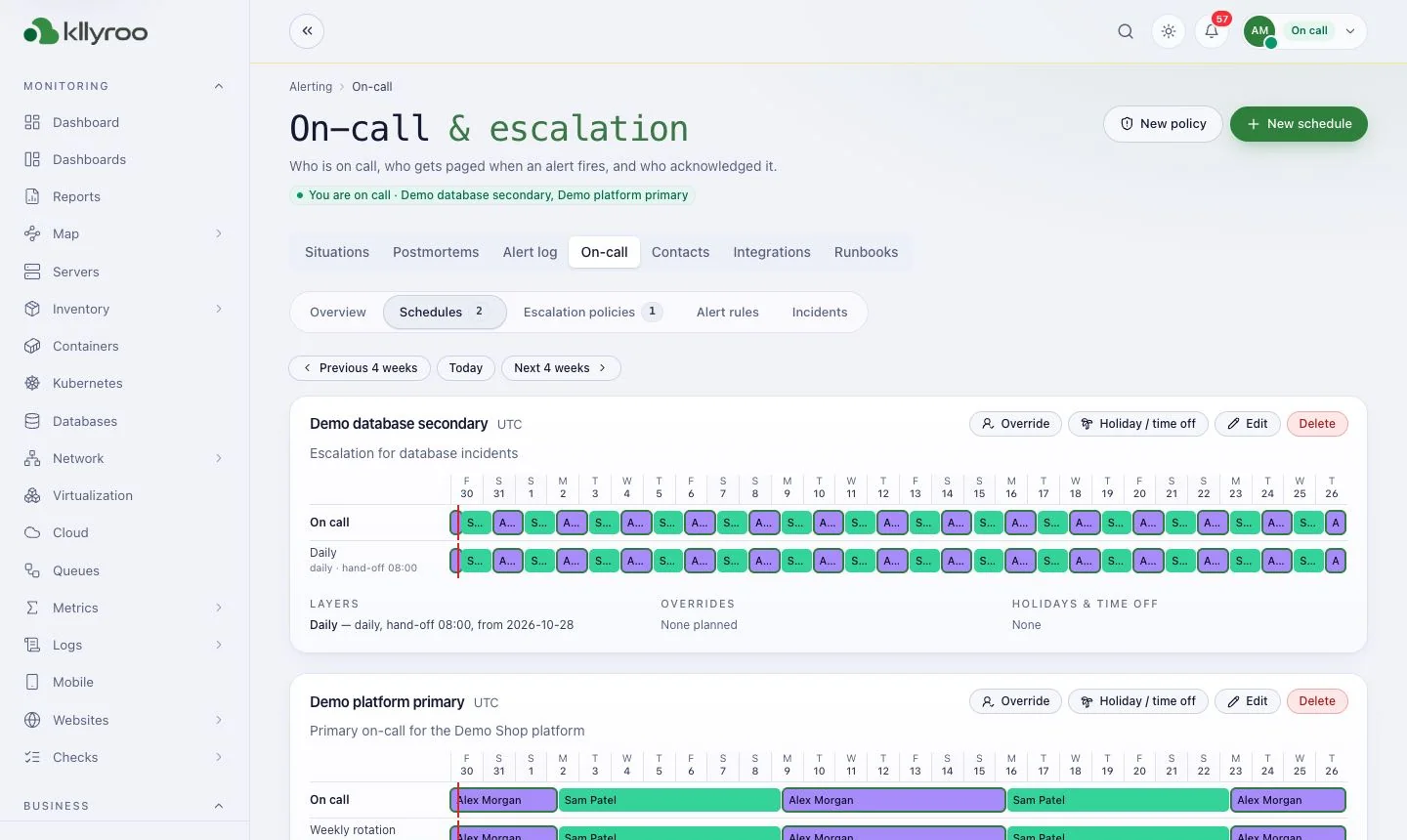
Who is on call day by day, with overrides and time off.
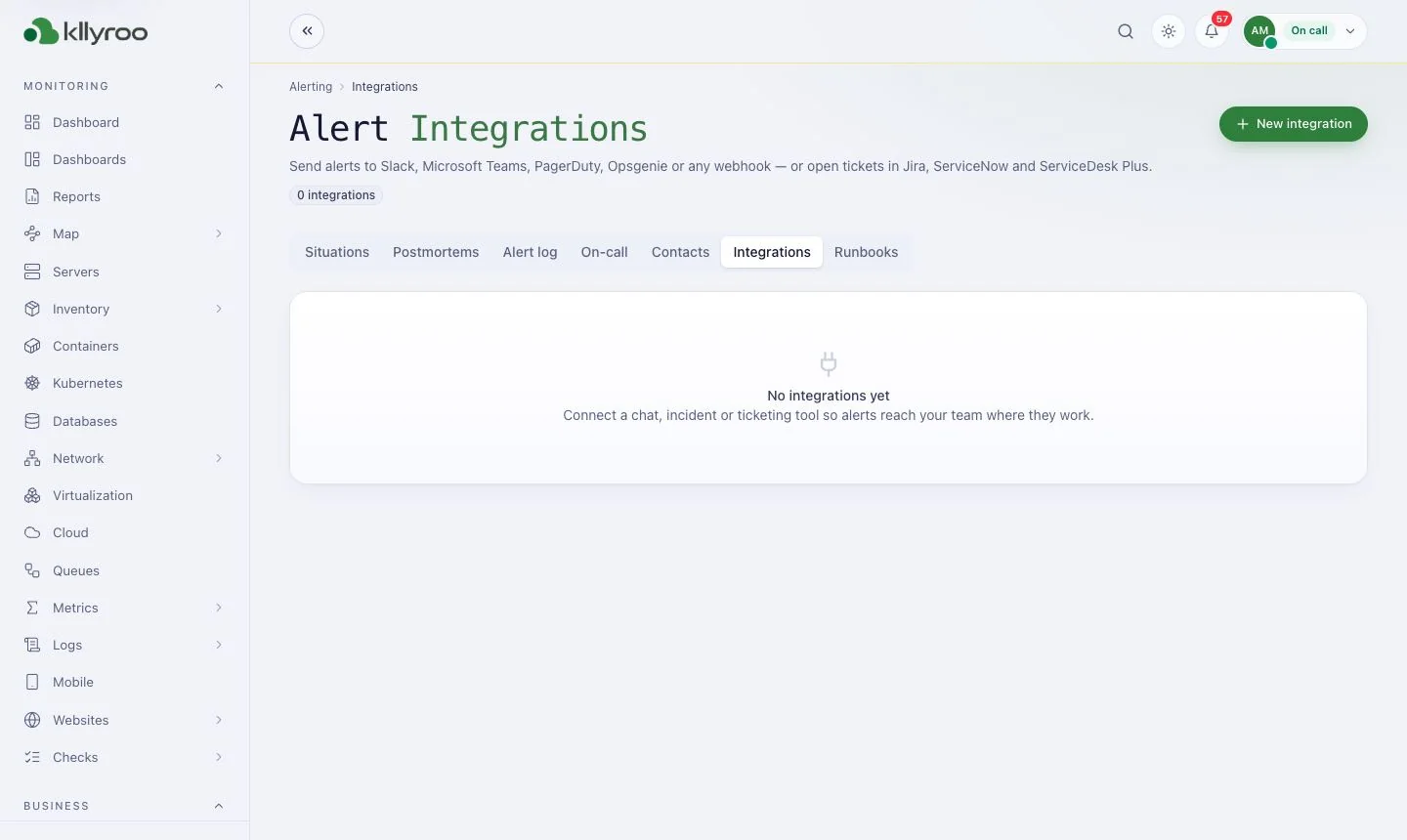
Slack, Teams, PagerDuty, Opsgenie, Jira, ServiceNow and webhooks.
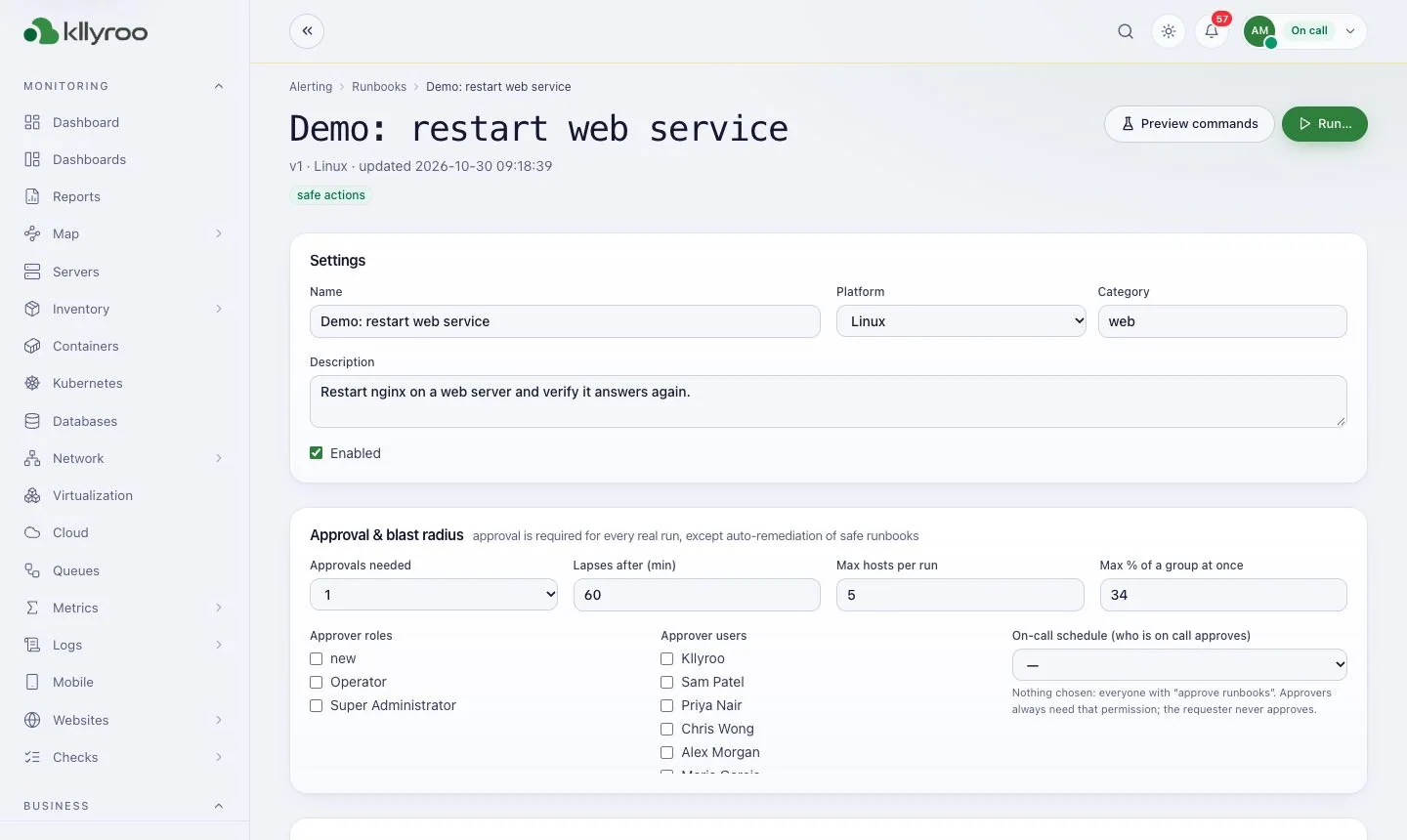
Settings, approval rules and preview / run.
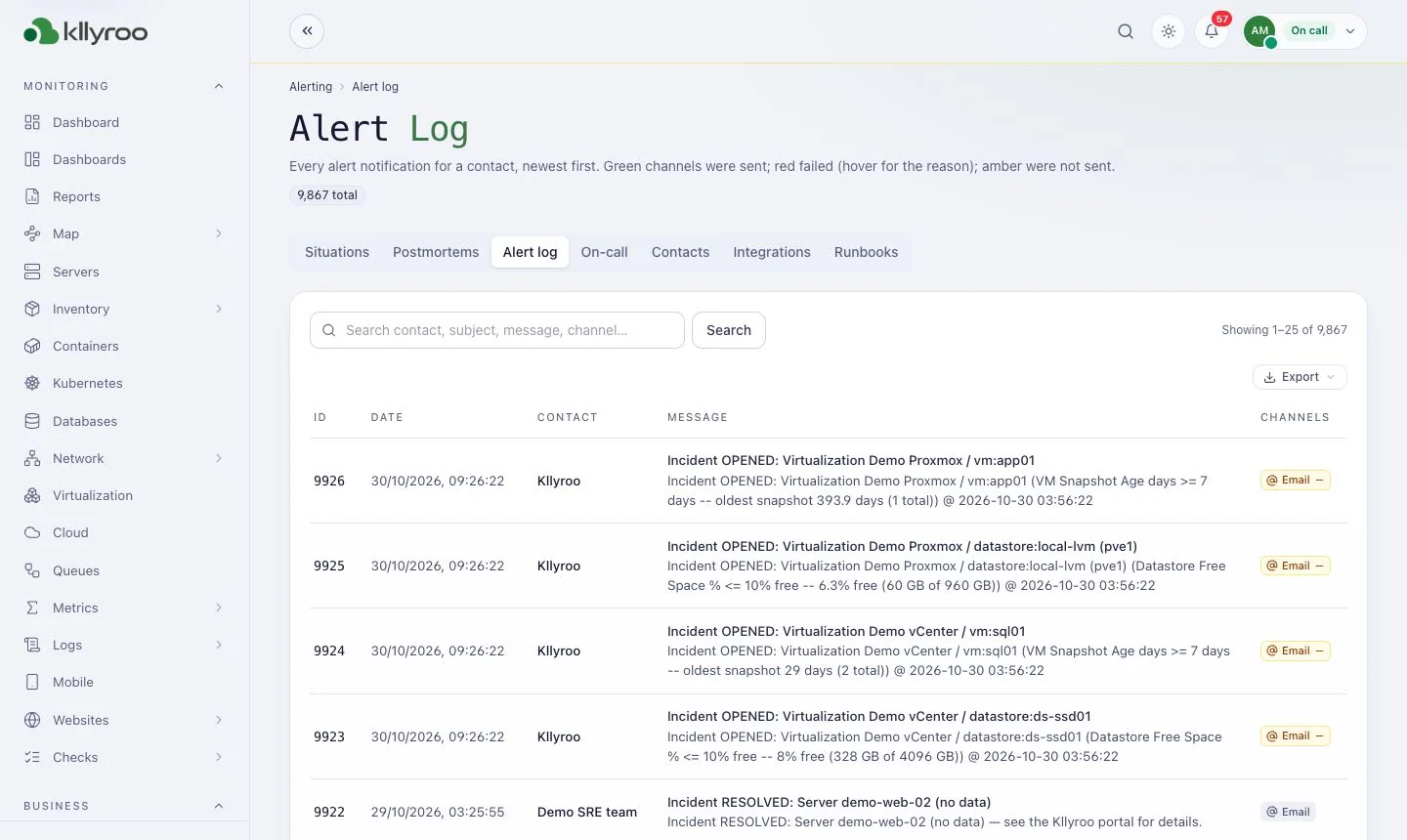
Every notification sent and whether it was delivered.
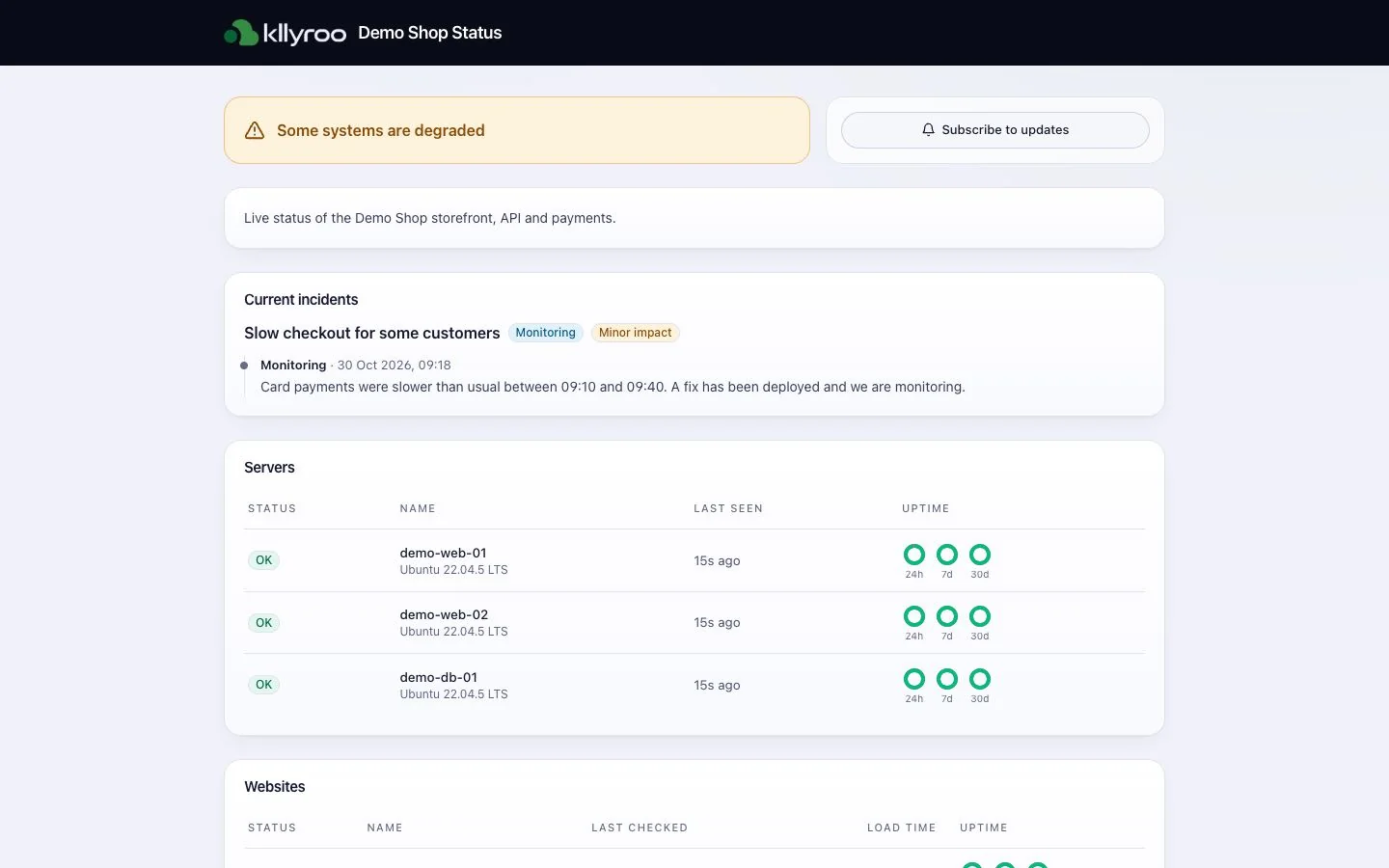
Public page with components and uptime.
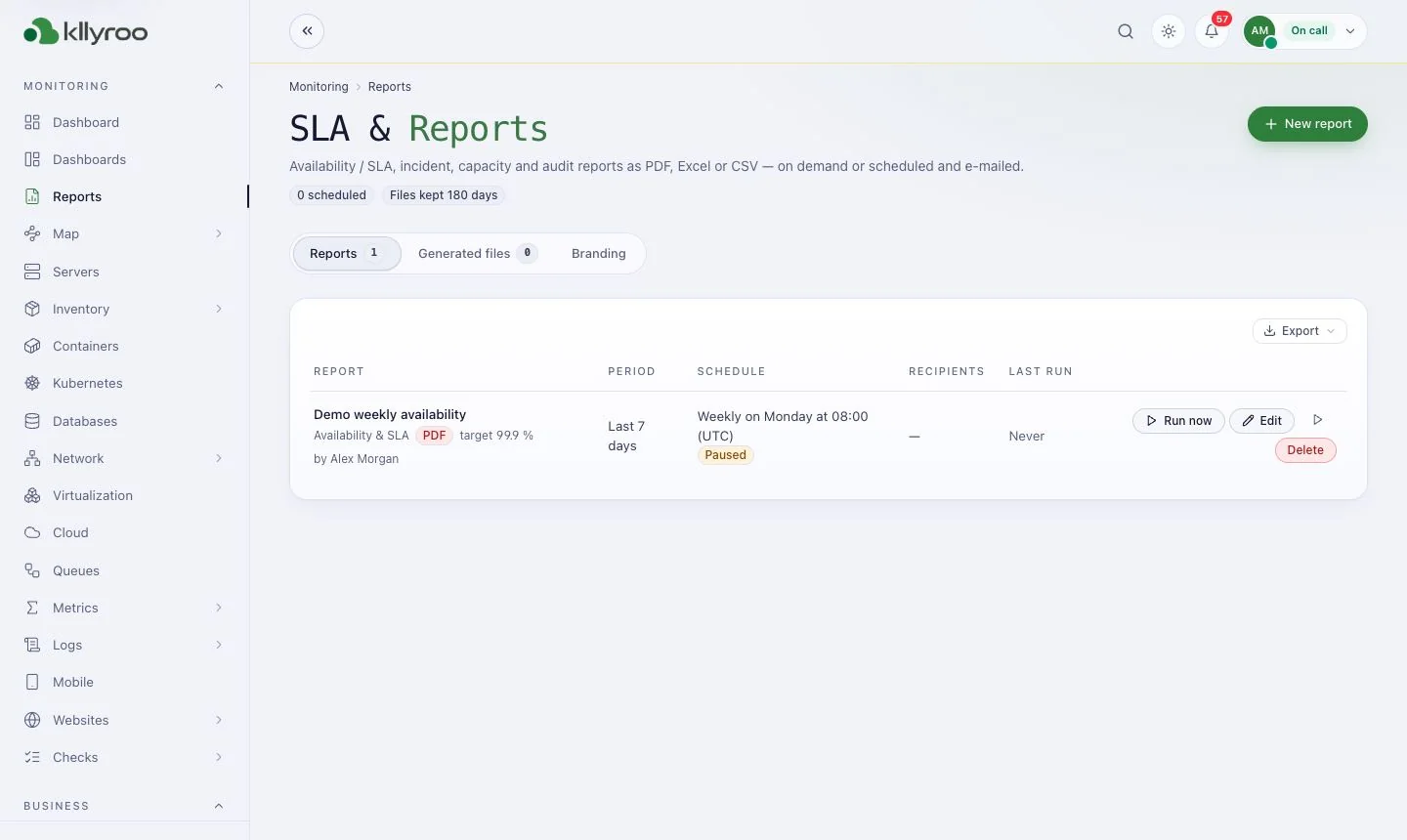
Availability, incident and capacity reports as PDF, Excel or CSV.
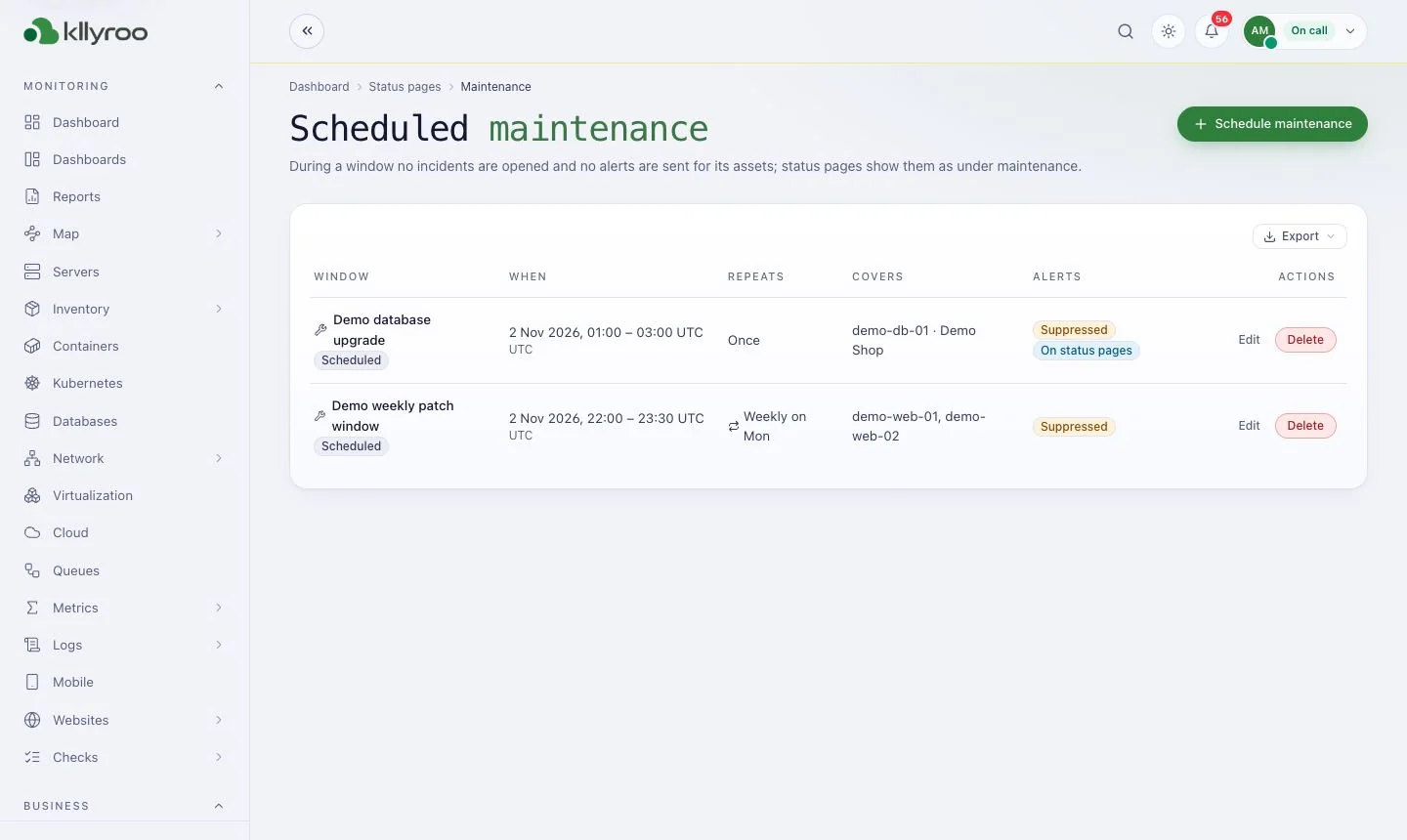
Planned windows that silence alerts.
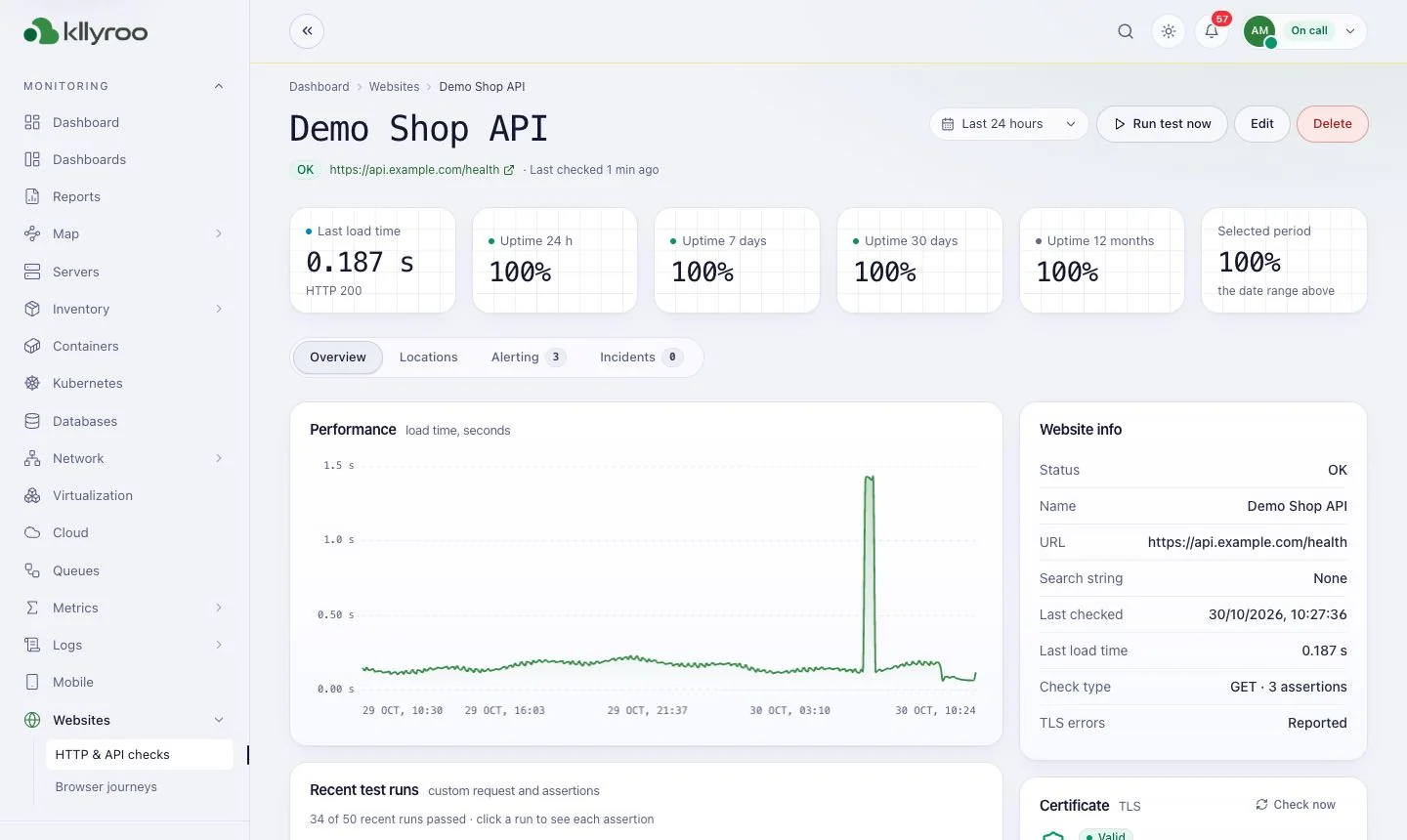
Uptime tiles, load time and certificate checks.
Yes. Every incident has a step-by-step guide with likely causes and commands for Linux or PowerShell. Kllyroo does not run those commands unless you approve a runbook.
Yes — with the Kllyroo on-call mobile app for iOS and Android, or with one-click links in e-mail, SMS, Slack and Teams.
Jira, ServiceNow and ManageEngine ServiceDesk Plus, plus generic webhooks.
Get a guided walkthrough, sizing advice for your estate, and a licence quote. Kllyroo installs on your server in under an hour and runs fully offline.